RAY
One worker
per GPU.
Ray assigns each worker to a device and coordinates distributed ComfyUI execution.
Raylight splits generative AI inference across GPUs through ComfyUI's user-friendly interface.
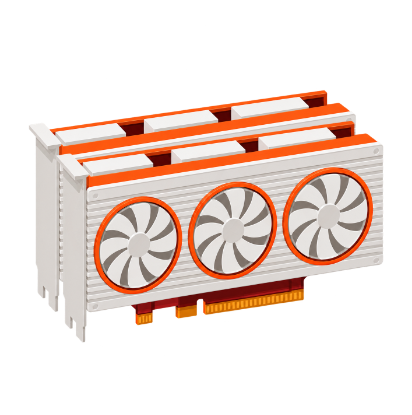
Raylight coordinates two or more GPUs inside ComfyUI. They do not need to be flagship cards; use the hardware that fits your budget.
Choose the parallelism that matches your bottleneck, or combine them.
Ray assigns each worker to a device and coordinates distributed ComfyUI execution.
Ulysses and Ring parallelism divide image and video tensors among ranks, then gather the result.
Shard parameters when the model is larger than a single GPU’s VRAM. Add CPU offload when necessary.
Compose parallel groups for throughput, memory capacity, or both.
Run conditional and unconditional predictions on separate workers, then combine the guidance.
An introduction to Raylight’s true multi-GPU inference workflow in ComfyUI.
RTX 2000 Ada ≈ RTX 4060 Ti 16GB. Repository figures; averages use warmed-up runs where noted.
Select a model family with dedicated Raylight USP, FSDP and CFG paths.
Native audio-video generation with synchronized dialogue, ambient sound and cinematic motion in one model path.
Native audio-video generation with synchronized dialogue, ambient sound and cinematic motion in one model path.
 RAYLIGHT
Parallel Diffusers already exists. Why use ComfyUI?
Raylight brings parallel execution into an editable node graph. Loaders, conditioning, LoRAs, ControlNet and model-specific controls stay visible and composable.
Raylight can shard model weights while ComfyUI manages and unloads workflow components, reducing overall VRAM overhead versus a comparable parallel Diffusers pipeline.
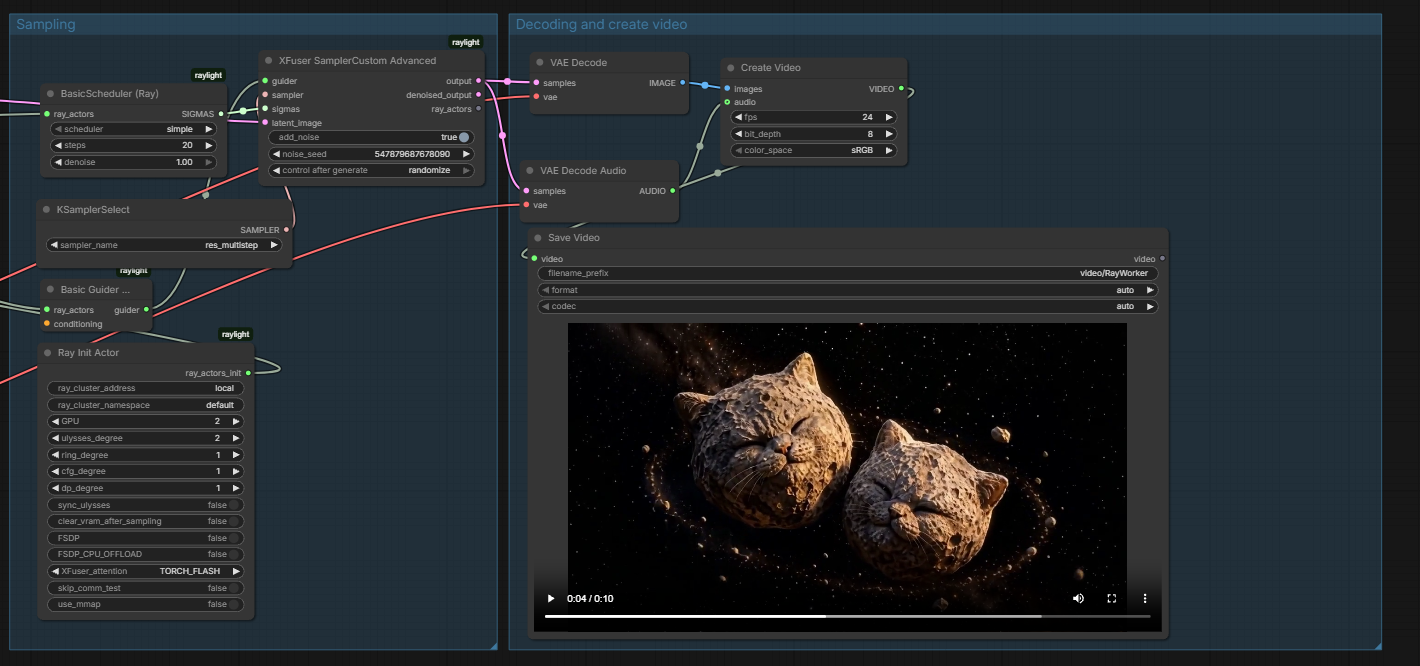
Install Raylight as a ComfyUI custom node and start with the example workflows.
git clone https://github.com/komikndr/raylight